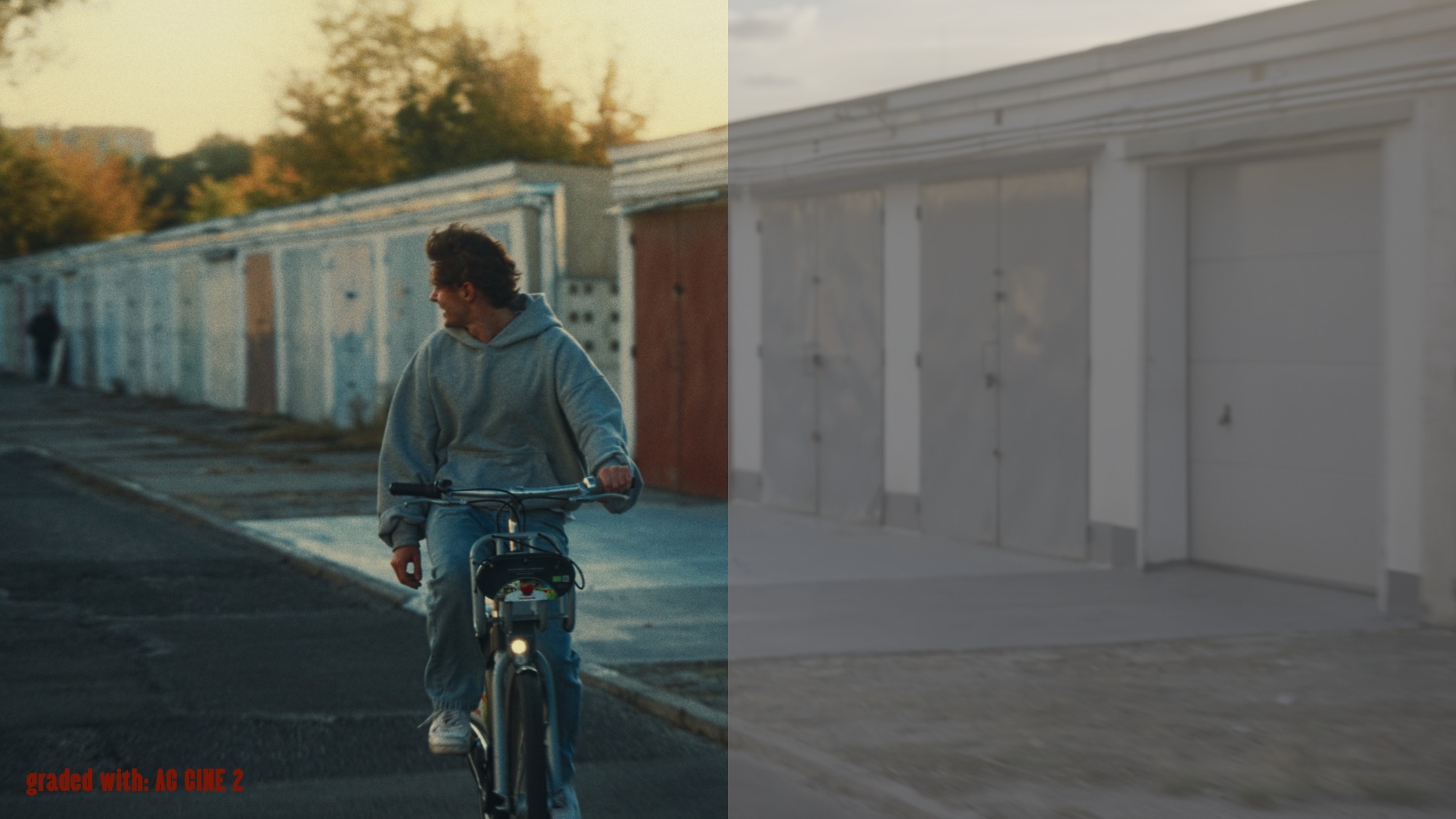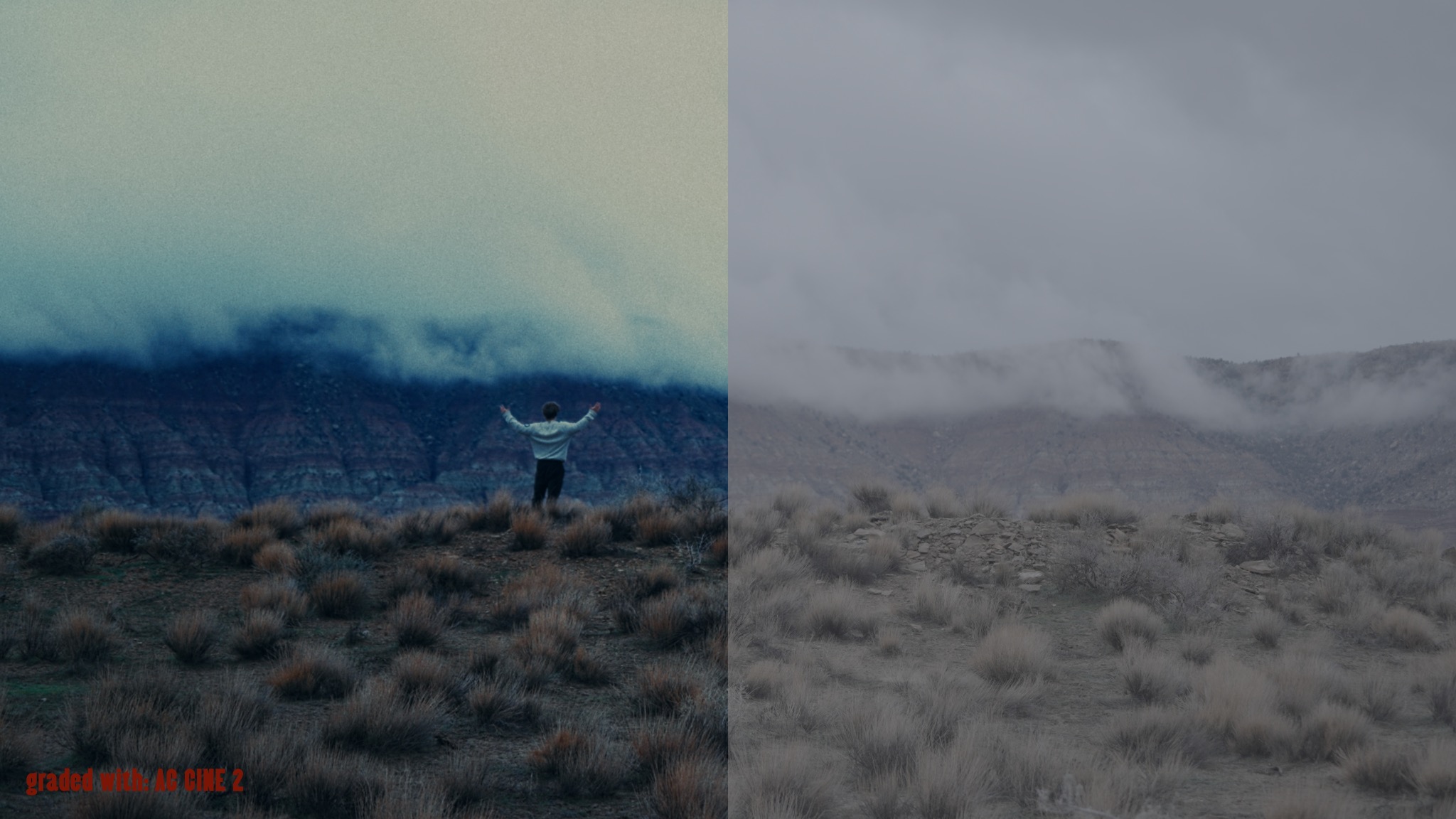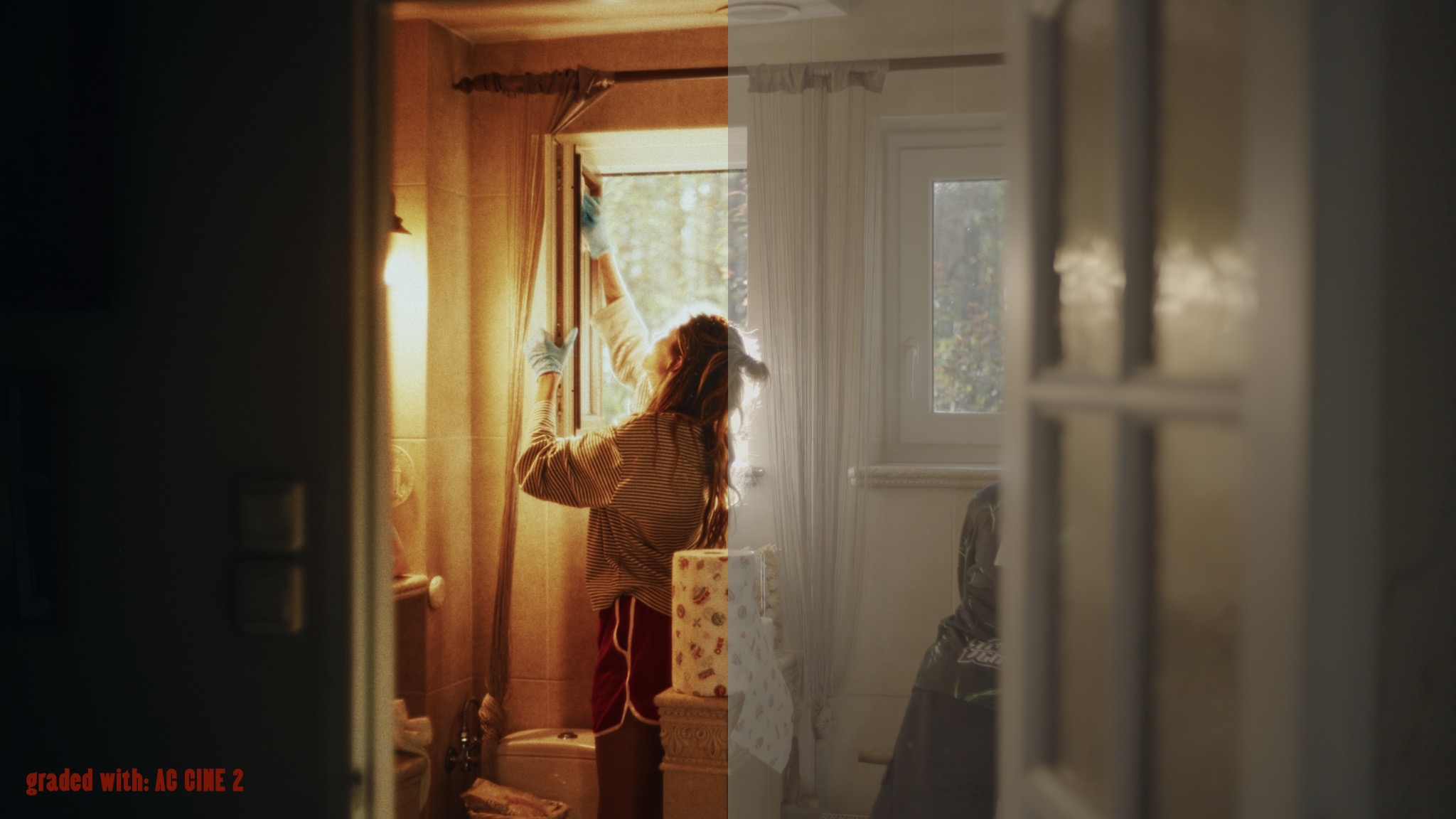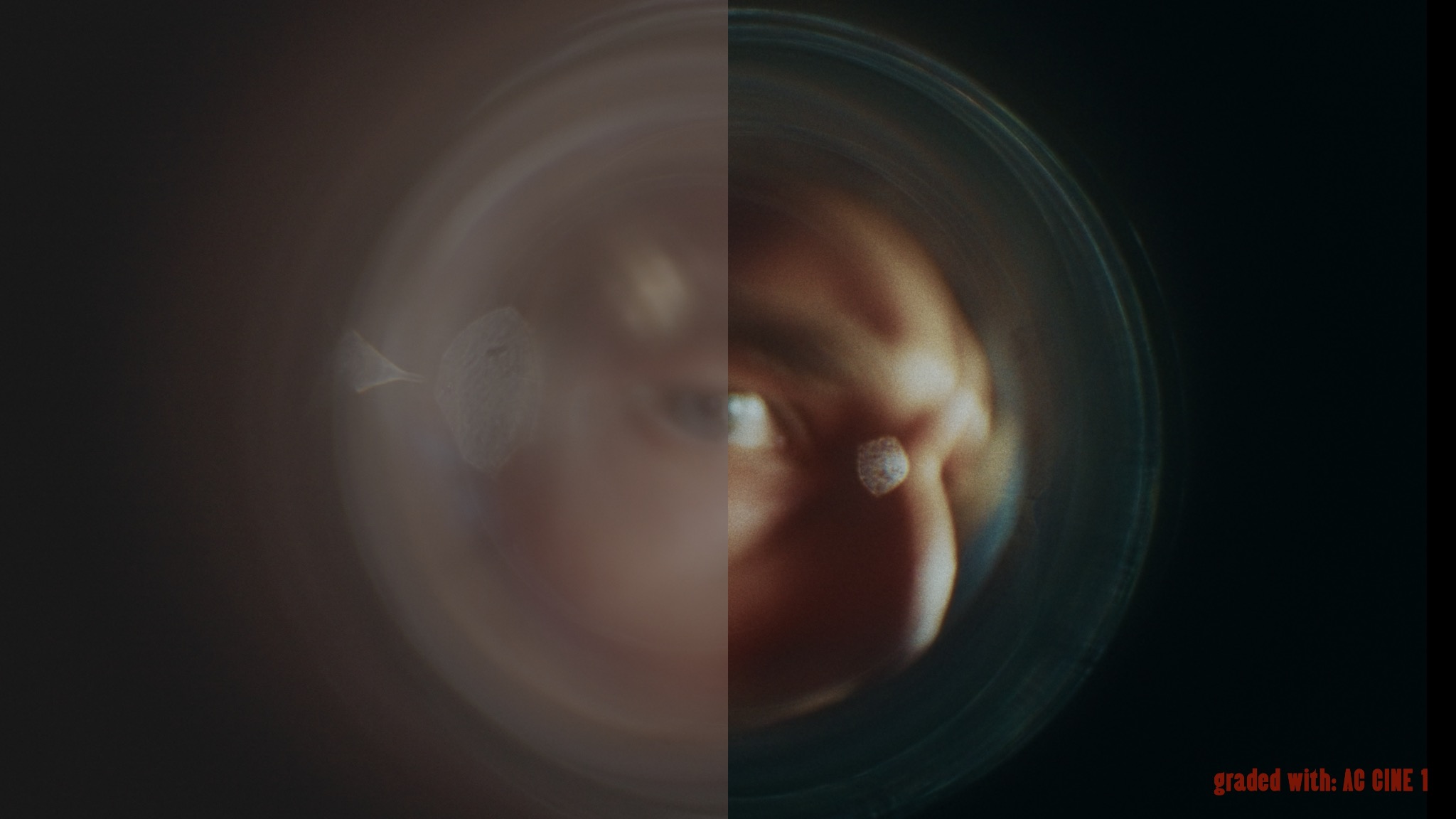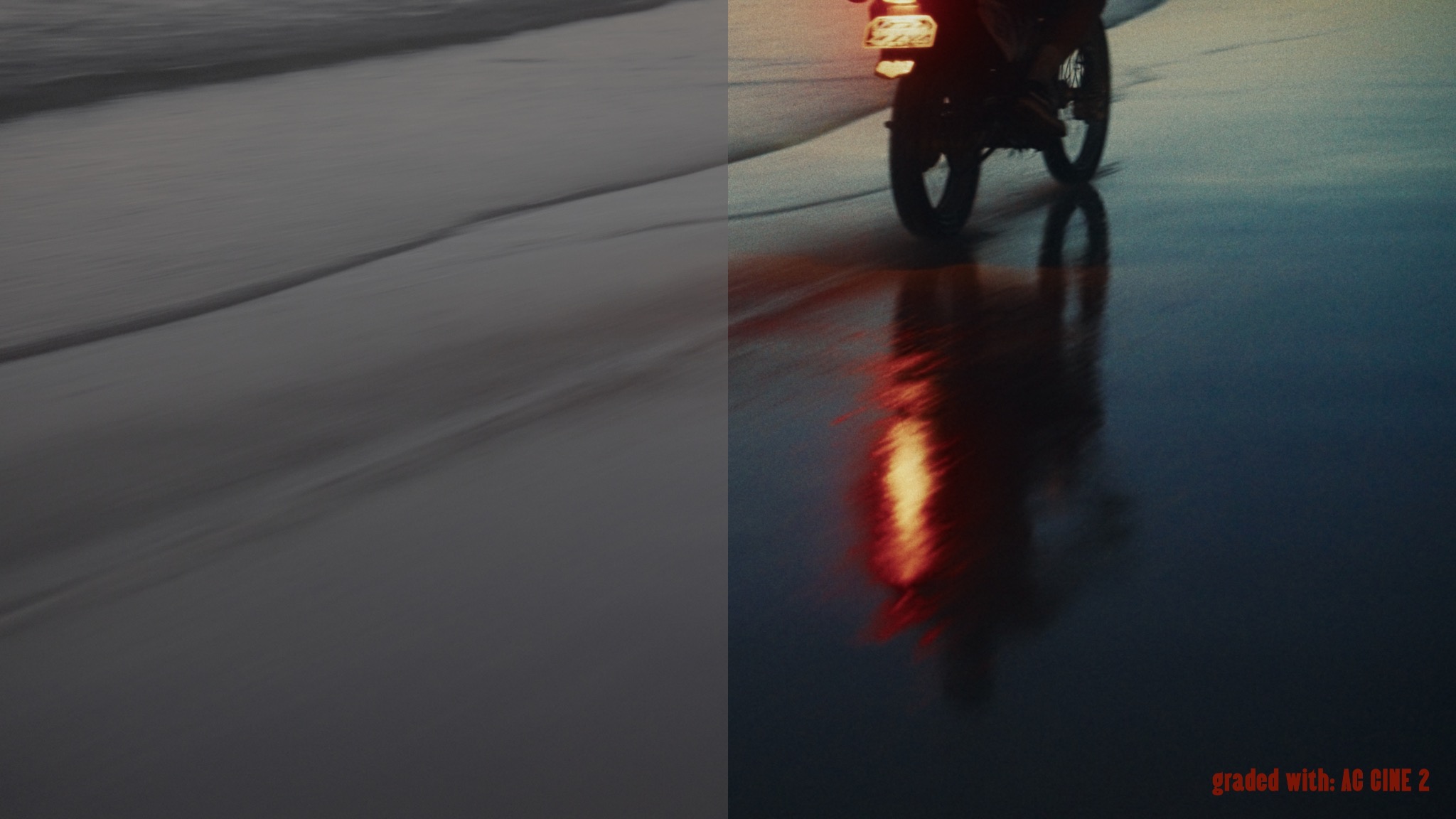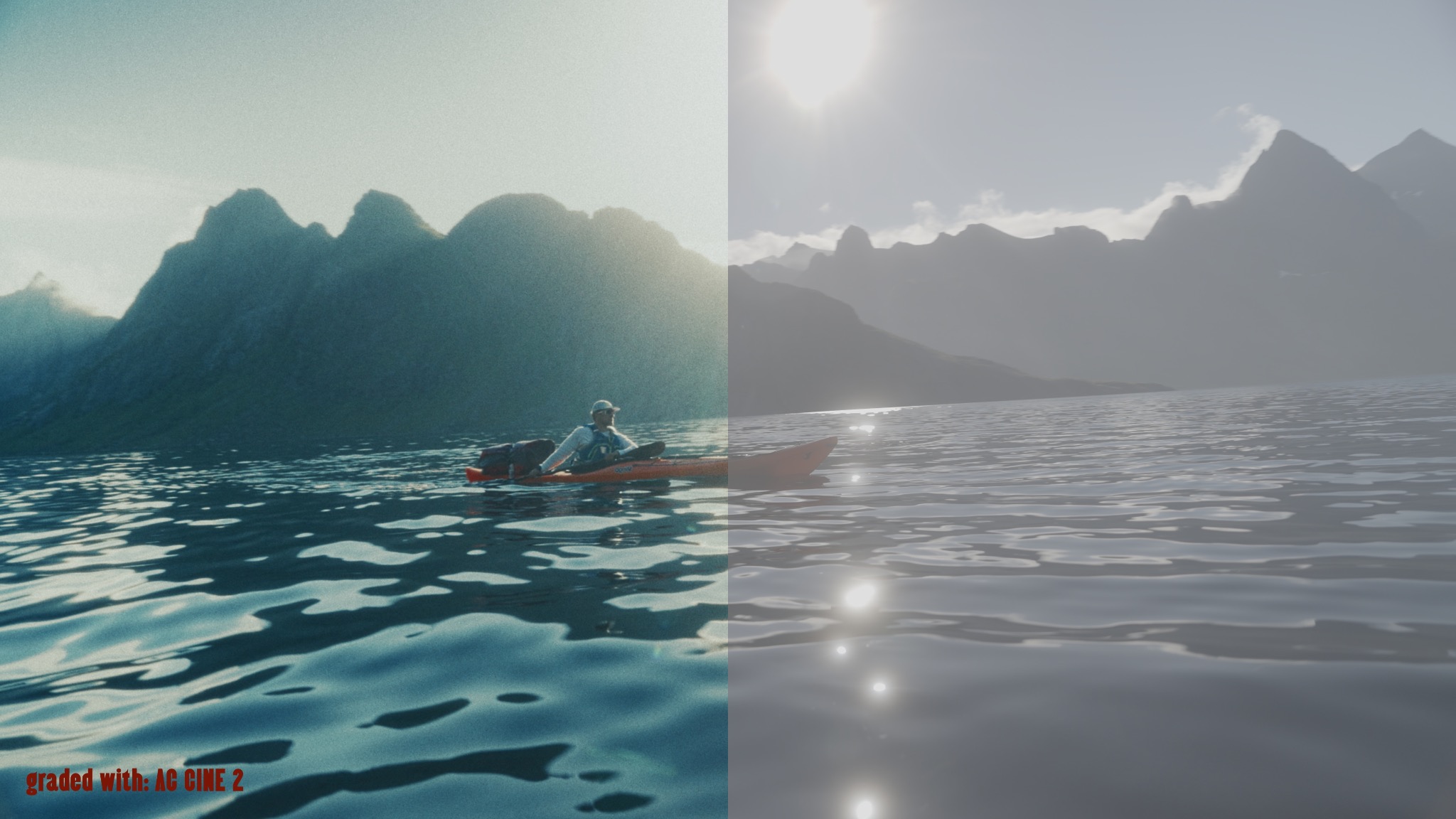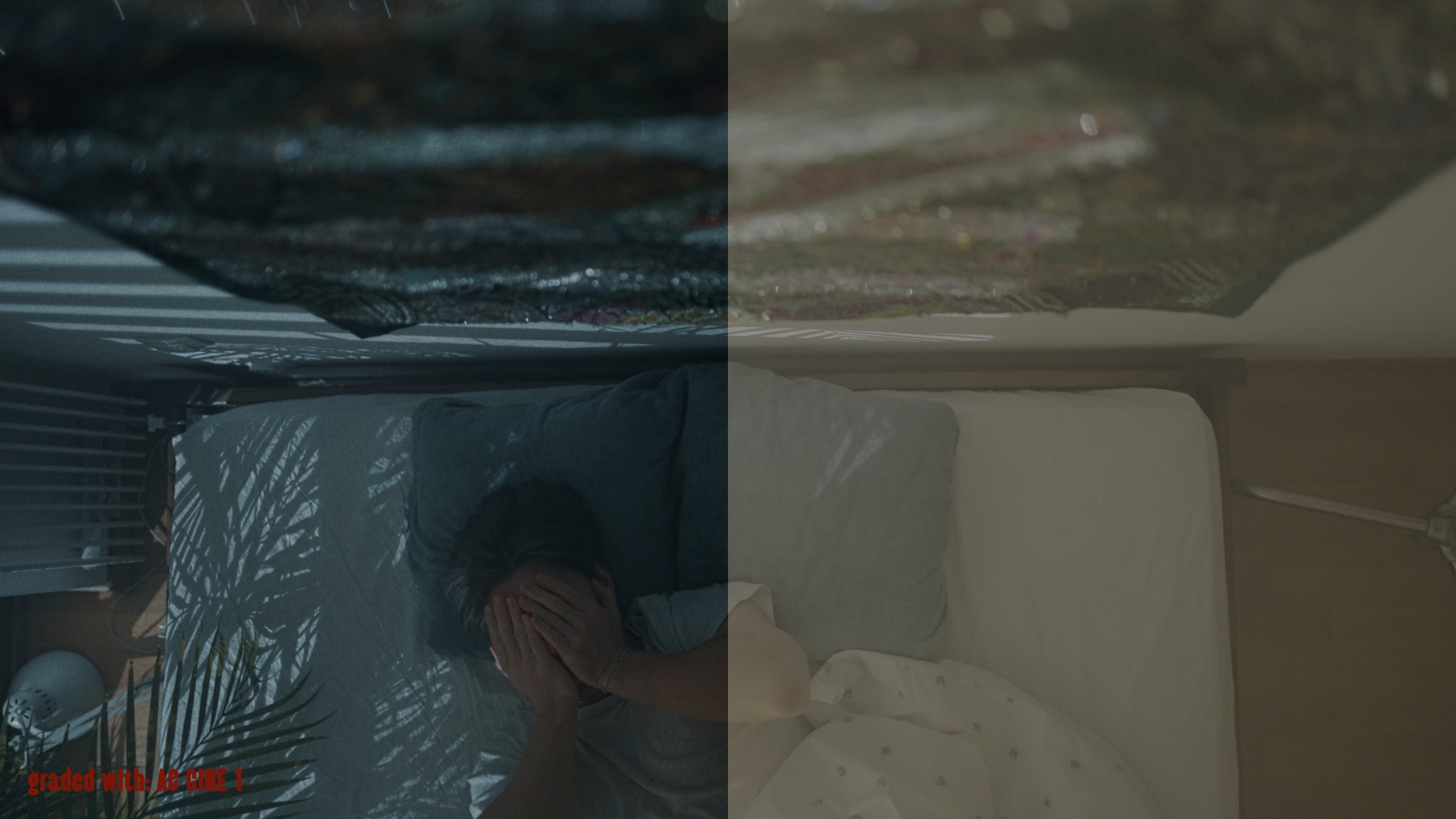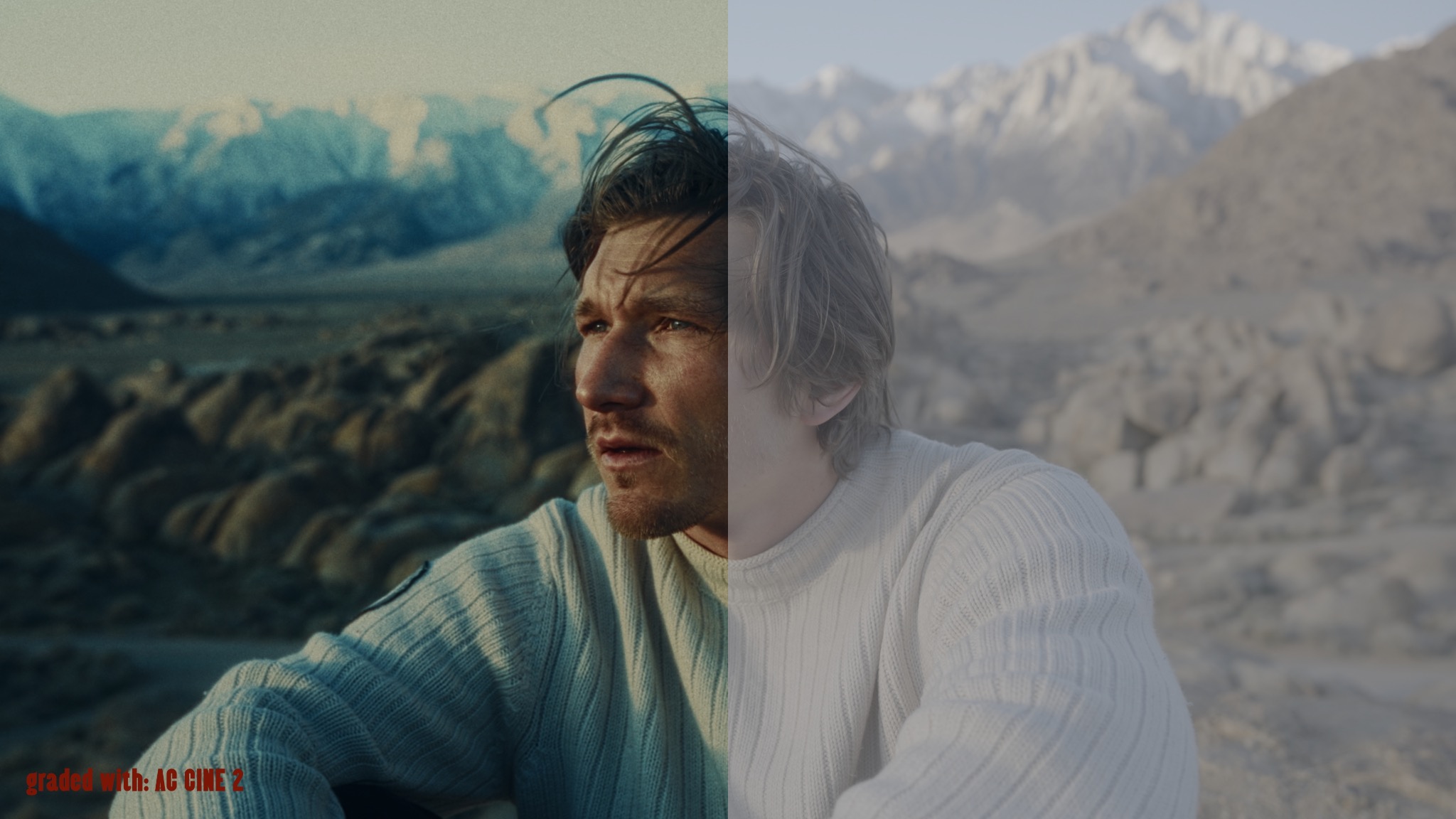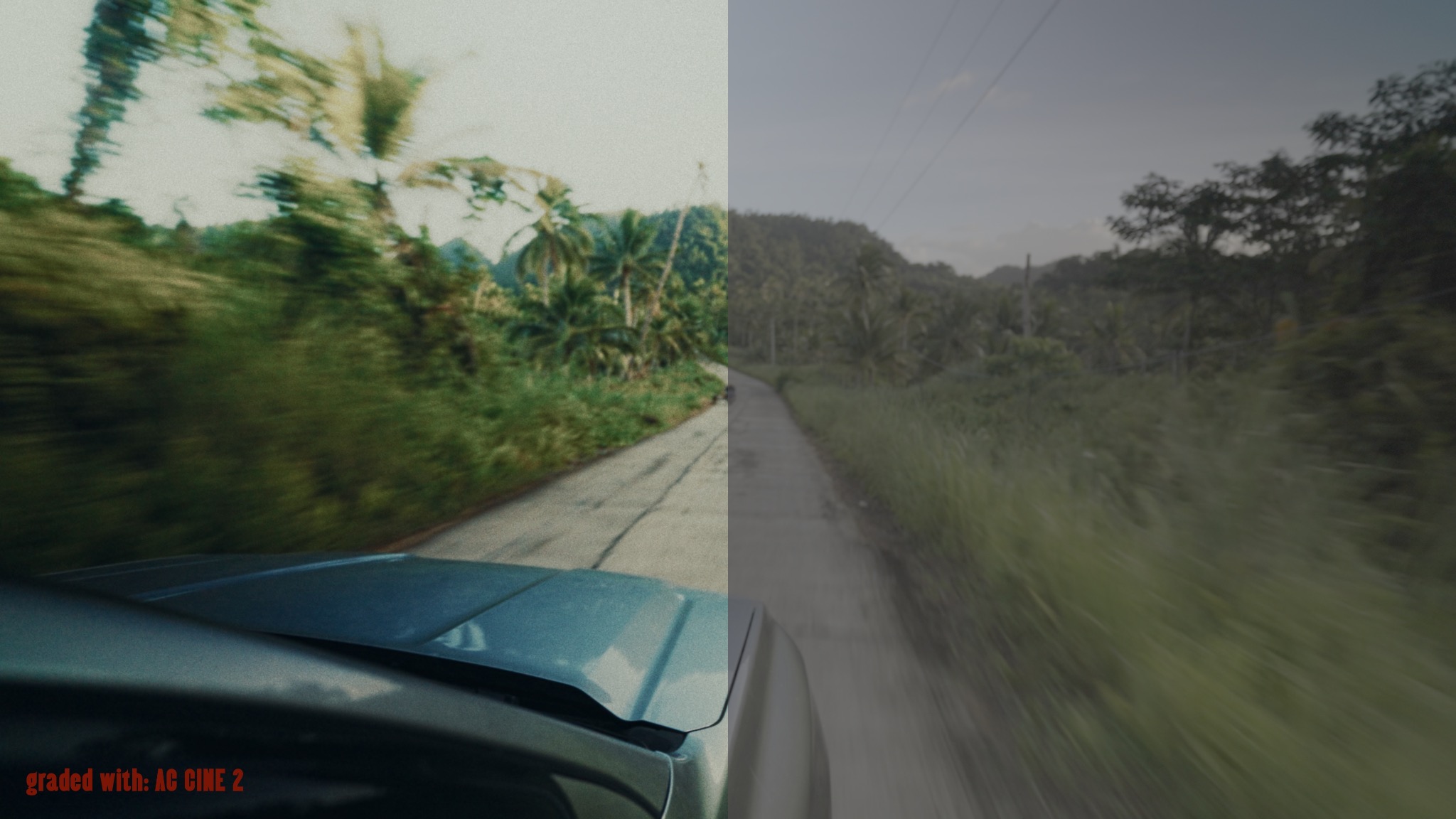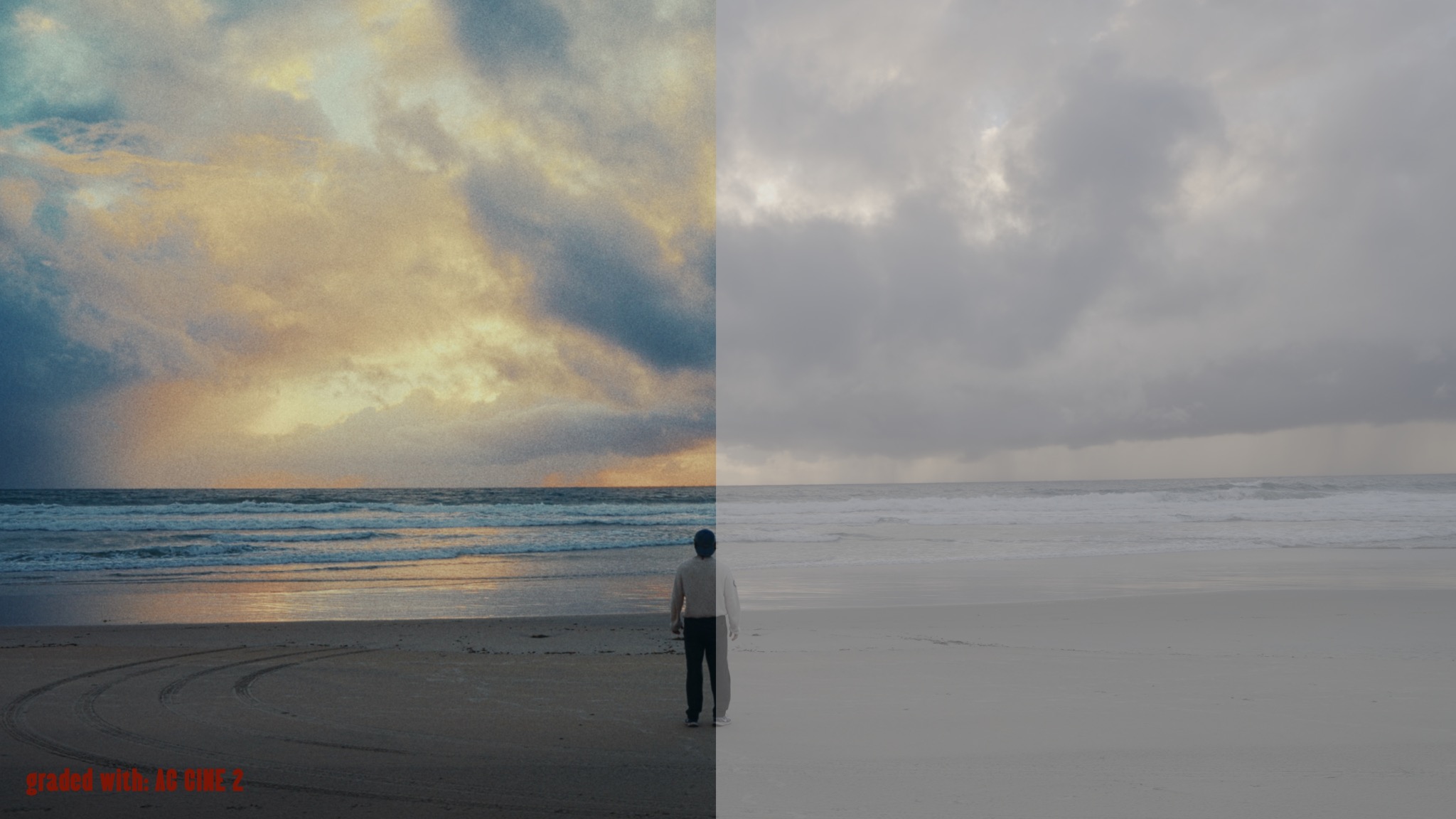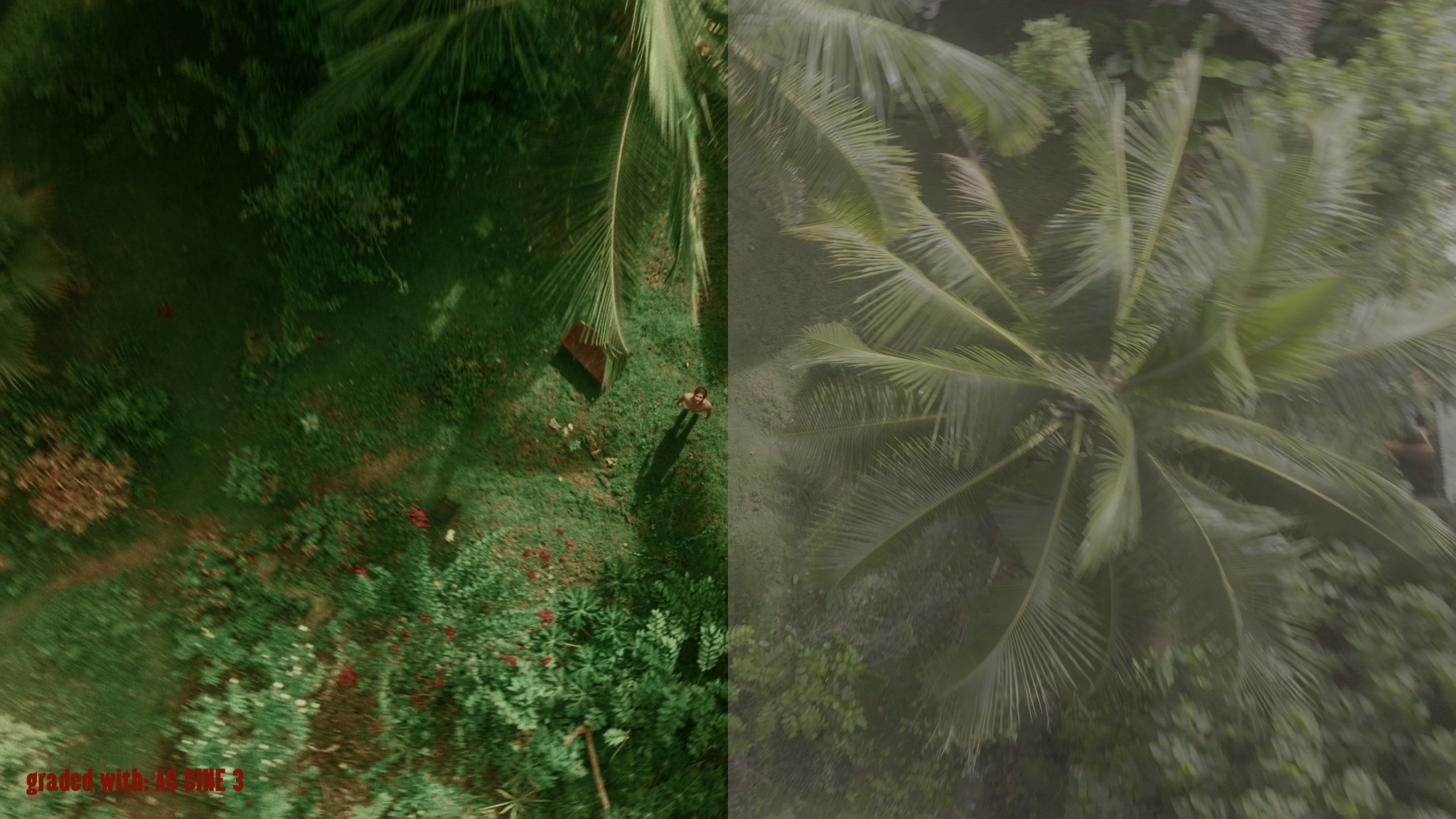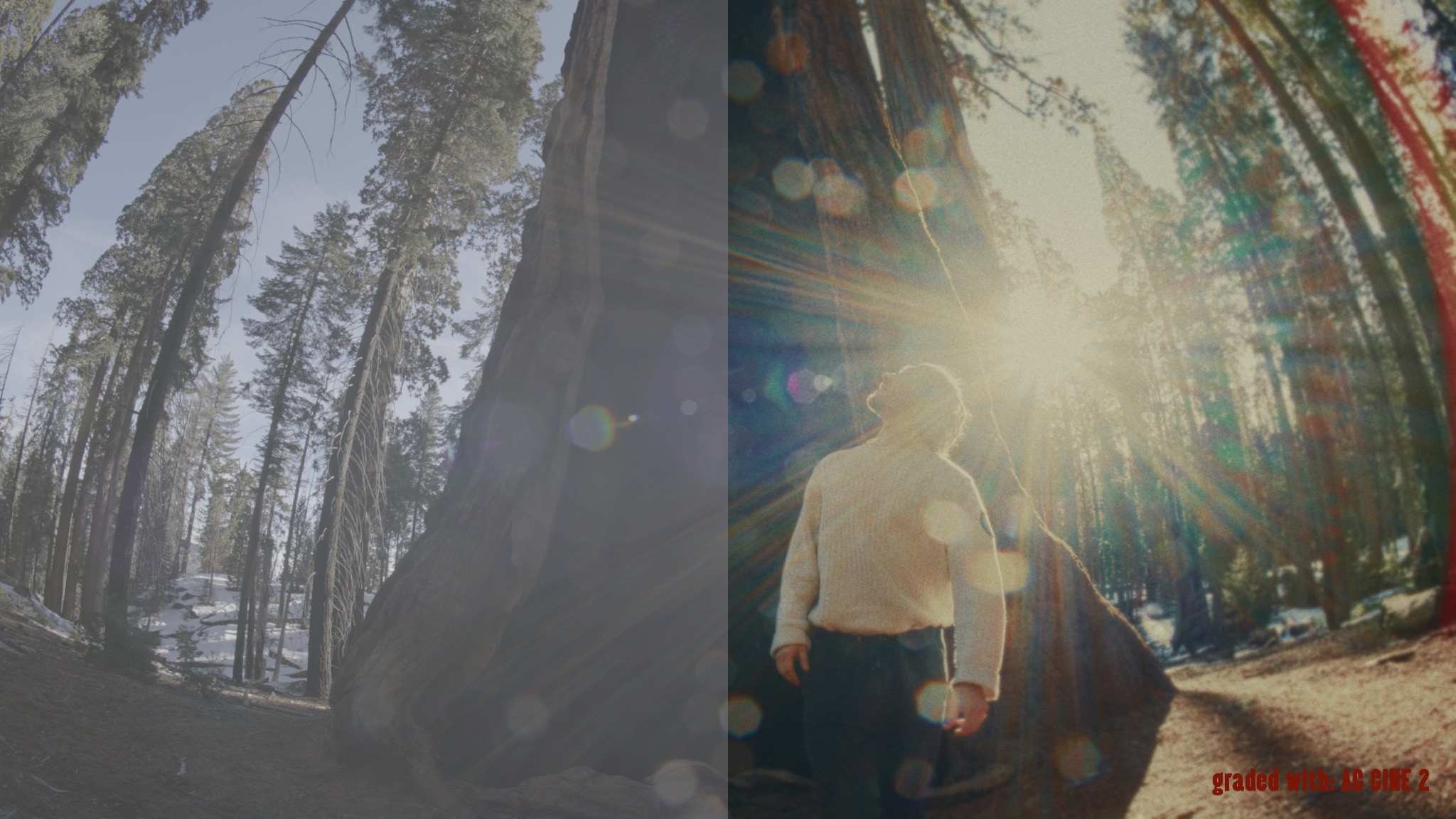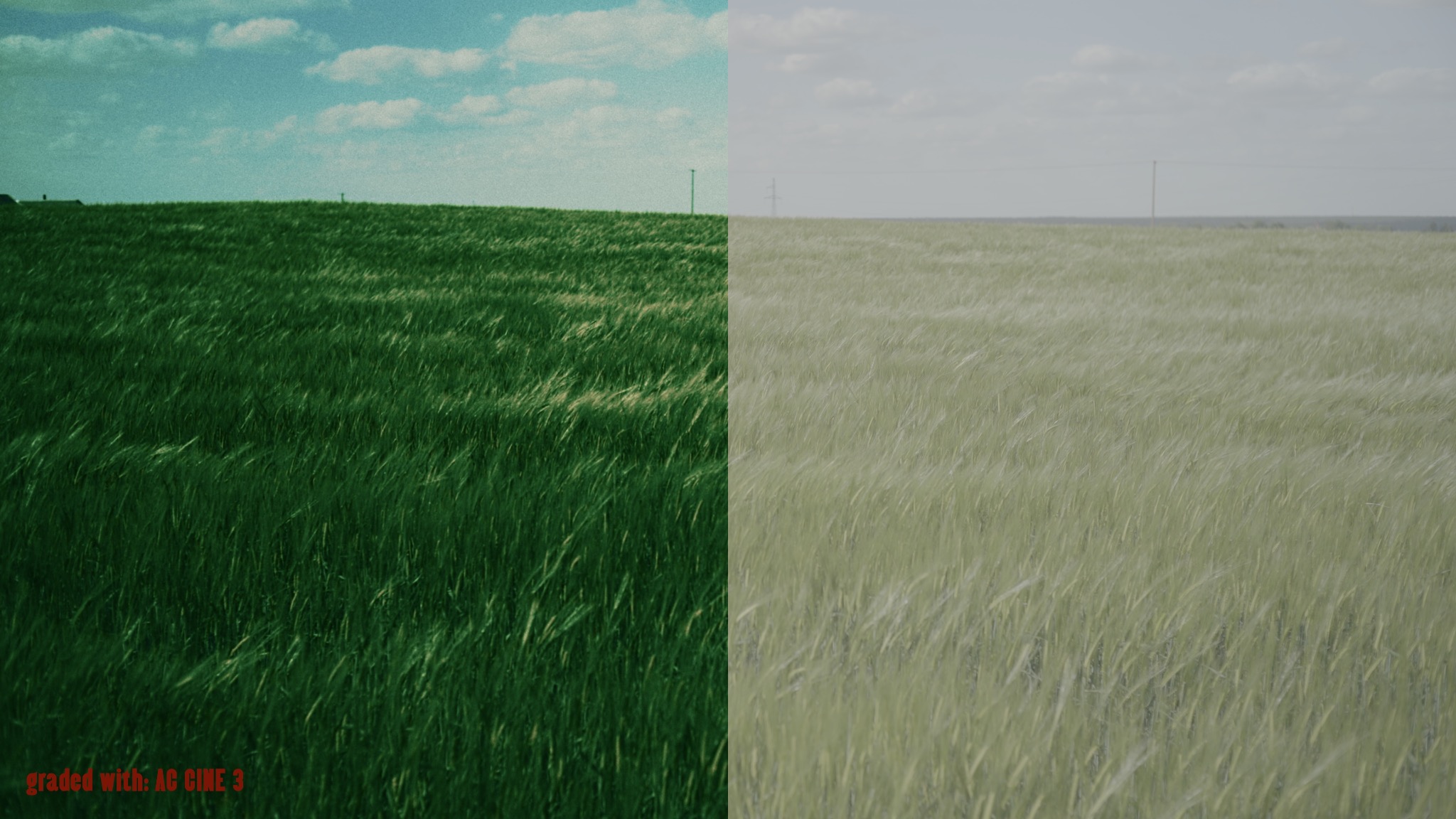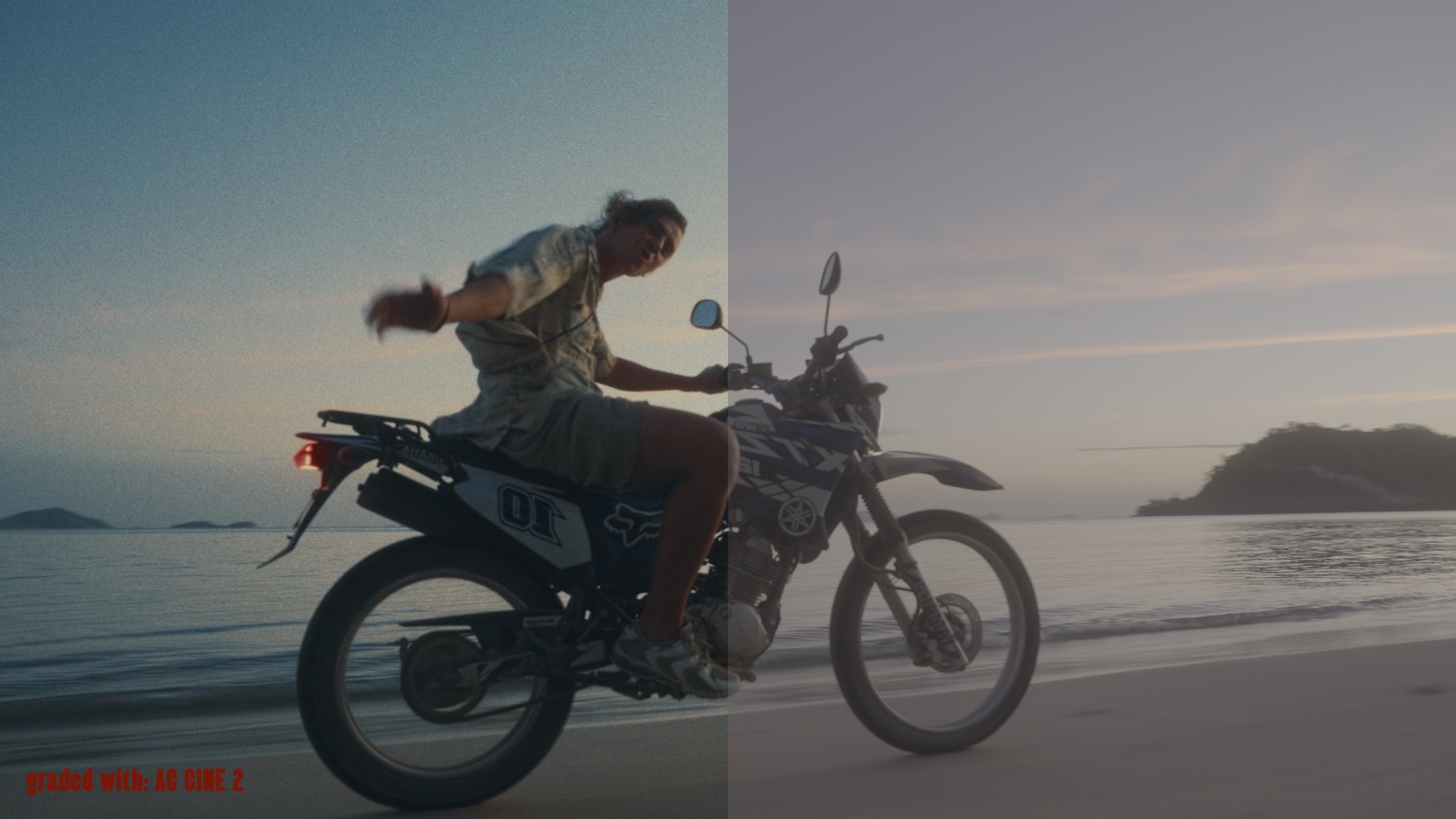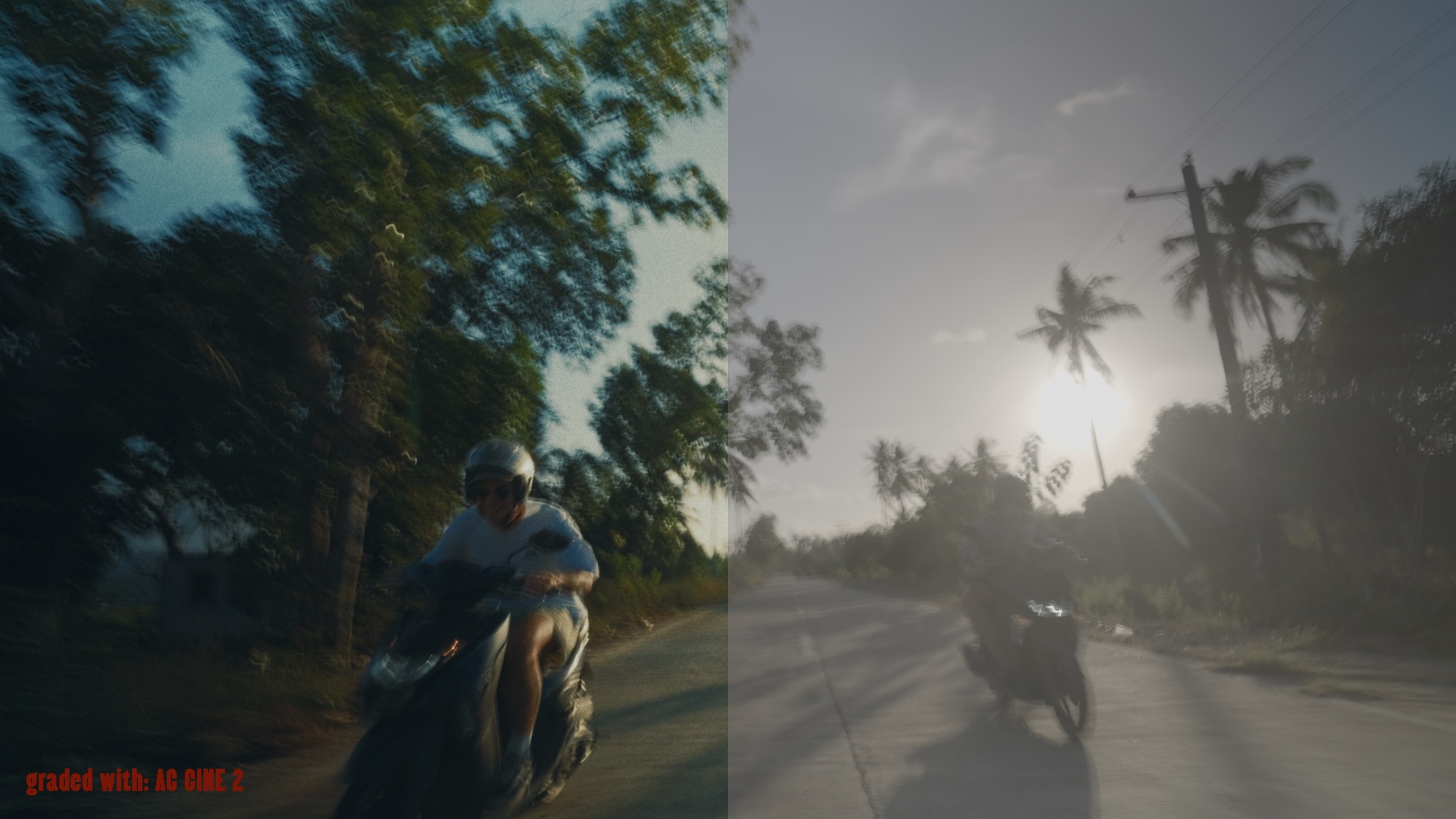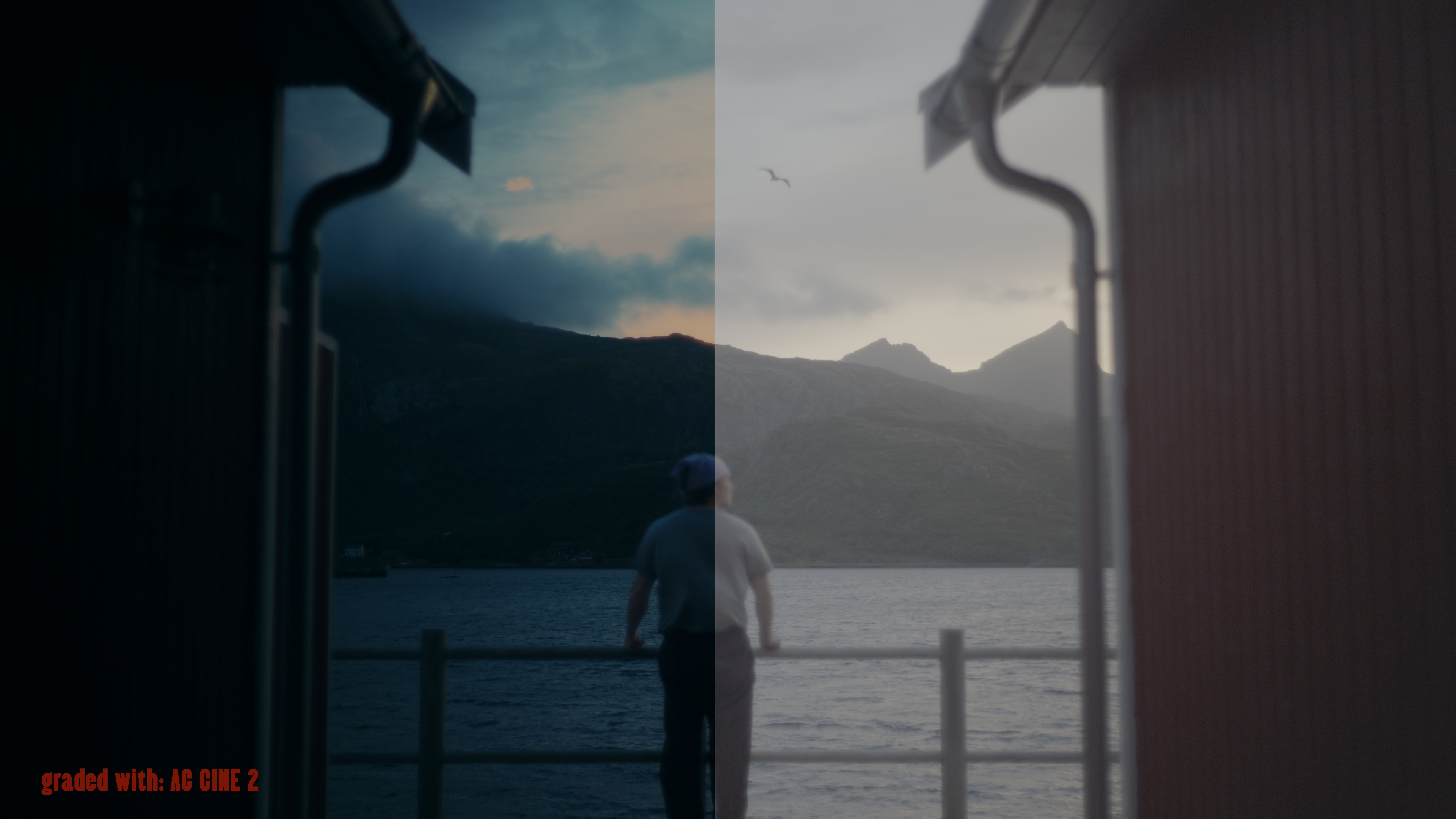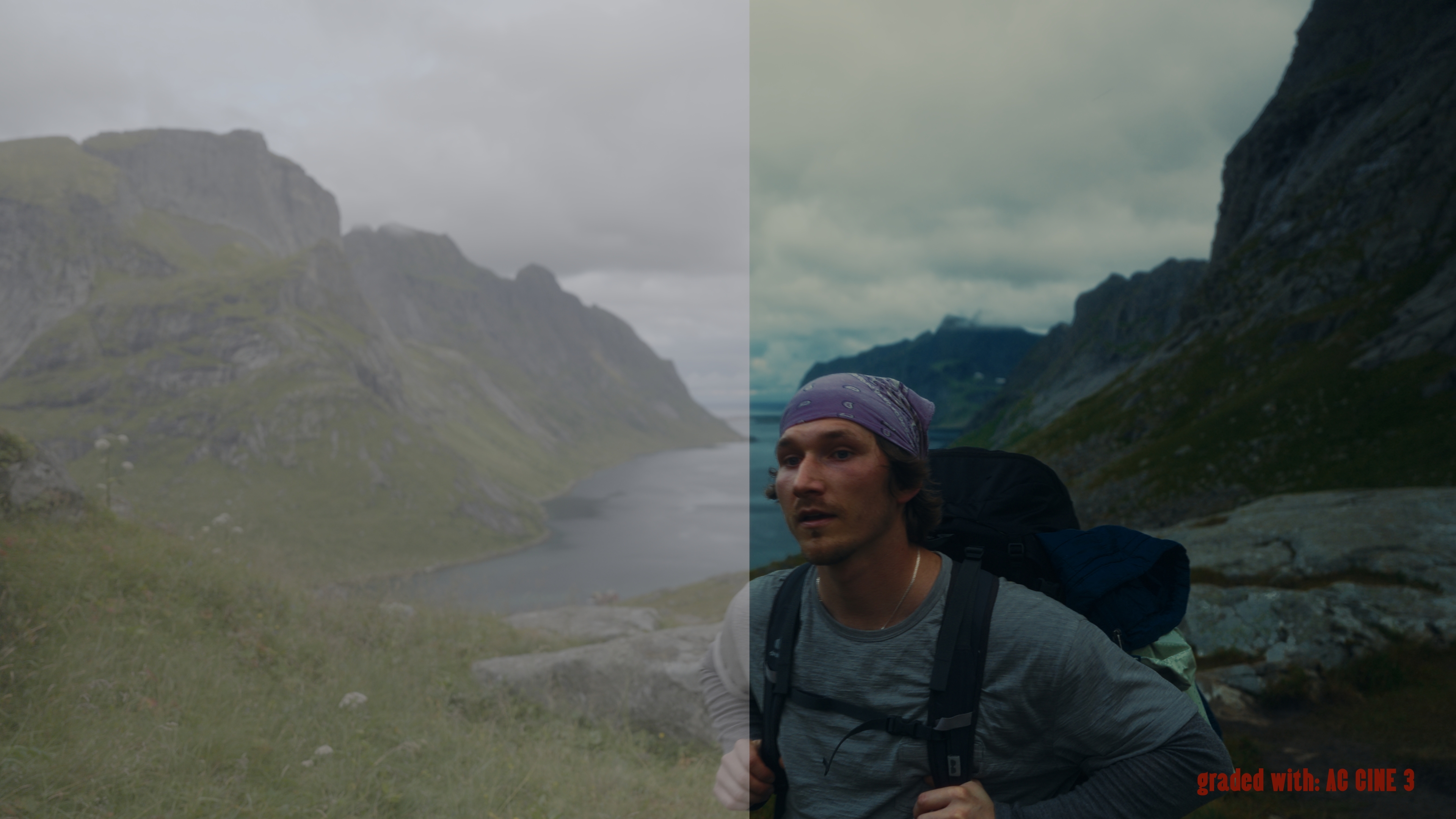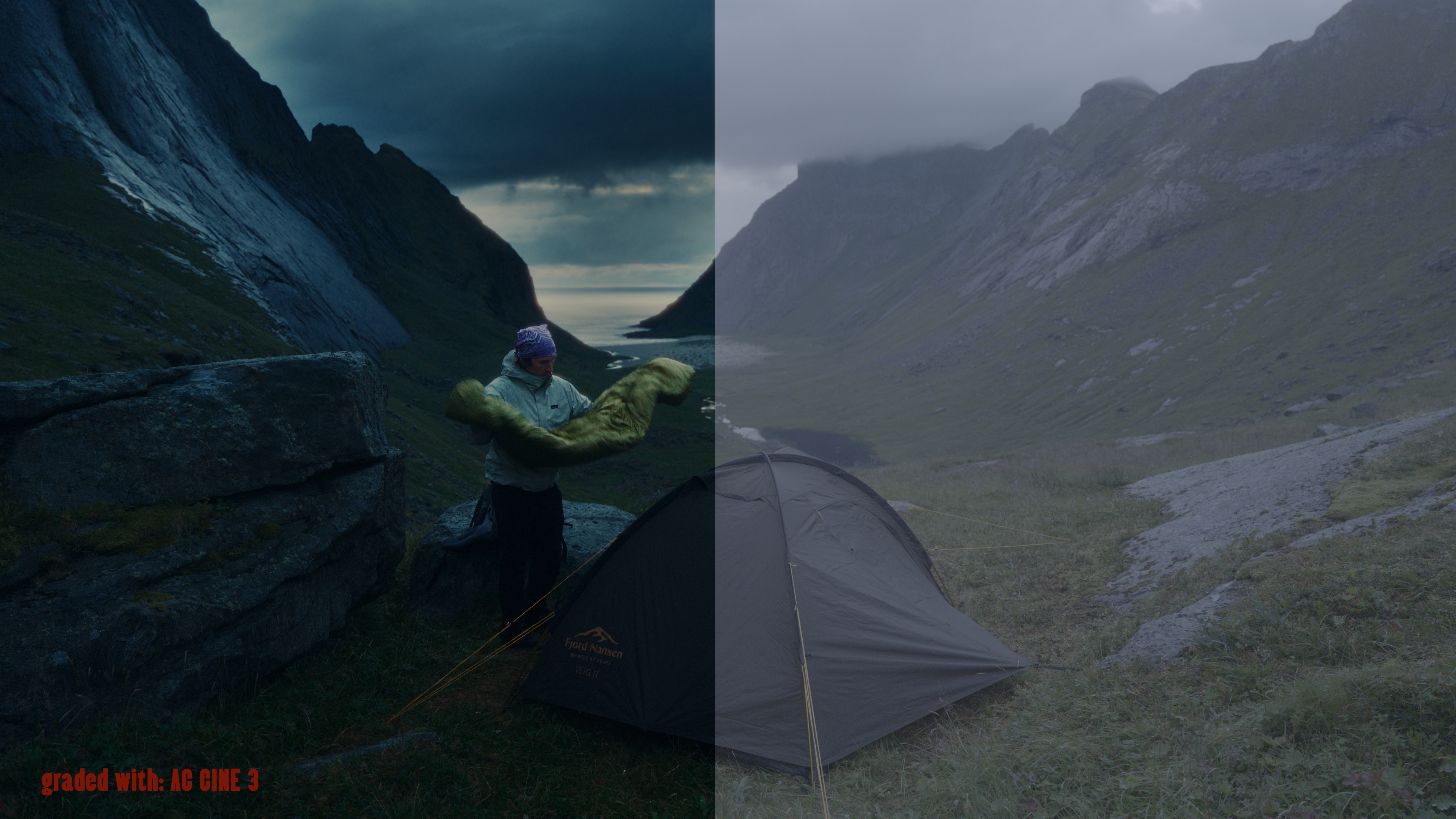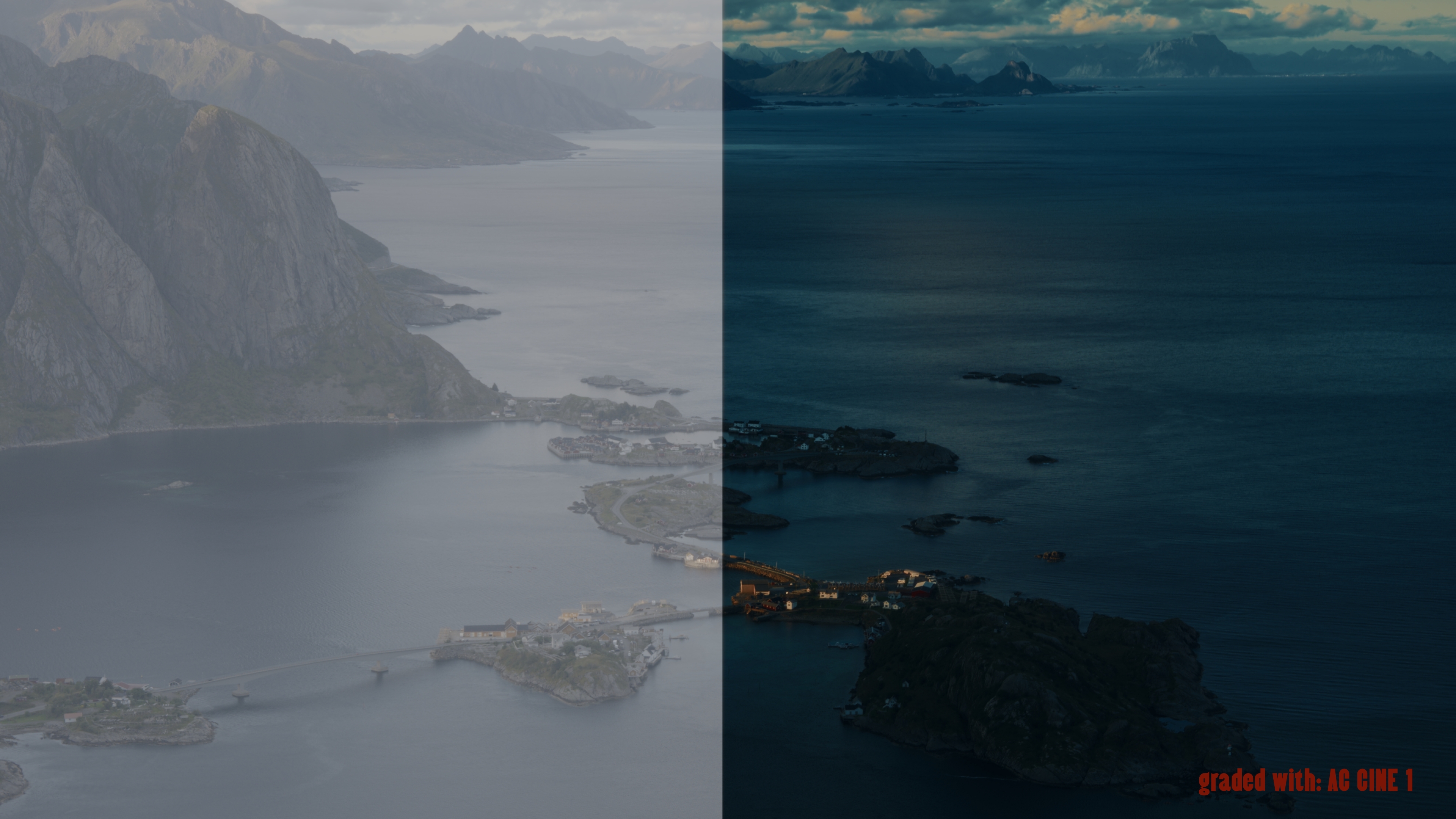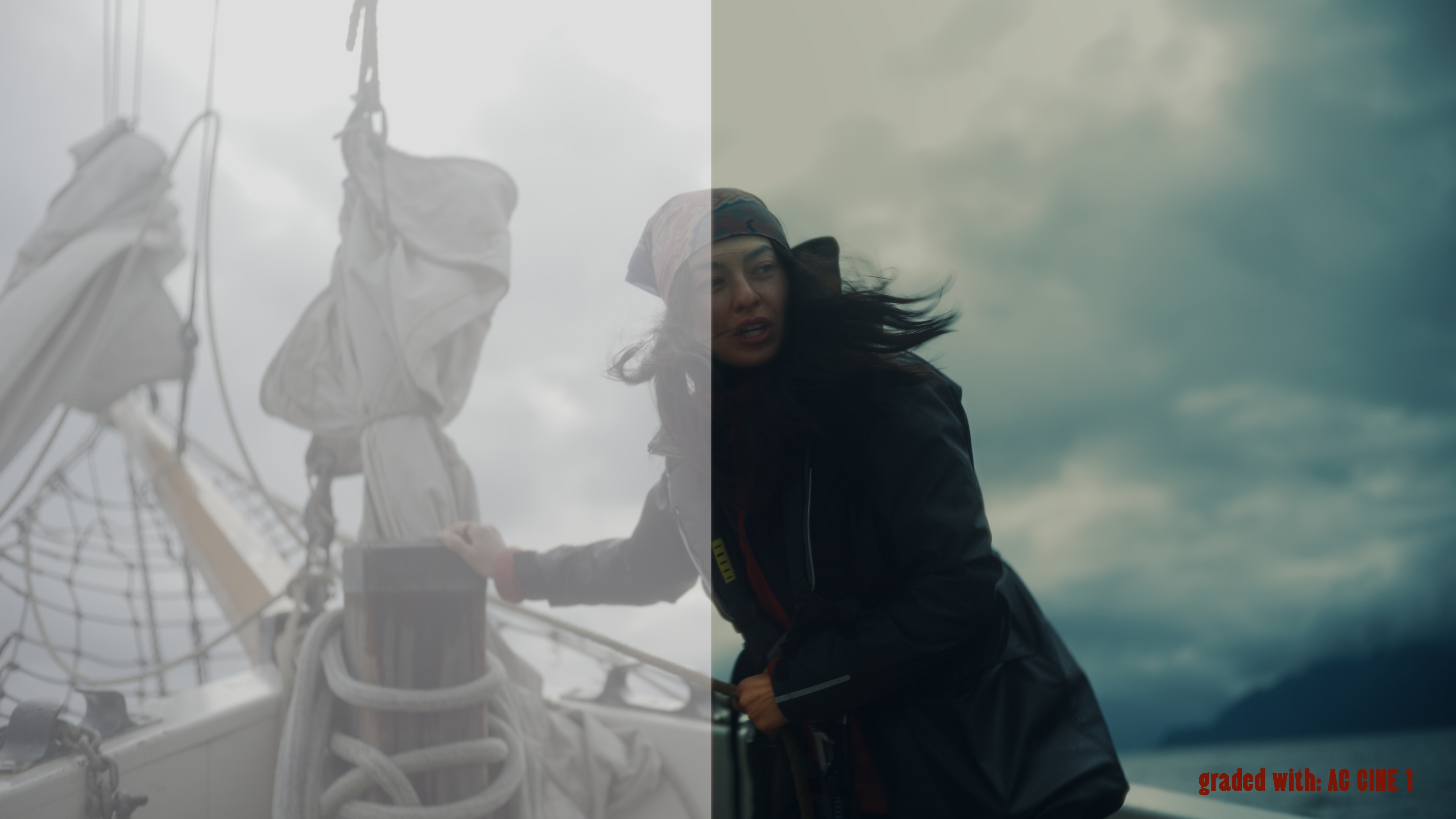
Give your footage a truly cinematic look

LUT / PowerGrade

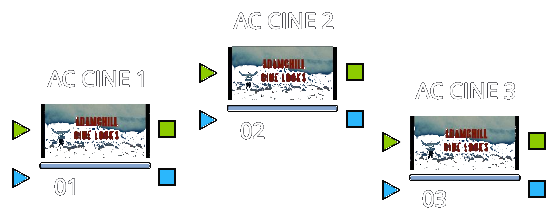
Choose your level of control.

Simple AC CINE LUTs node tree visualization
…

AC CINE LUTs

Transform your footage beyond recognition in just two clicks.

  • 3 signature LUTs
  • Fast and simple workflow
  • 20-minute installation and workflow tutorial
  • The LUTs work in all major editing apps, including both the free and Studio versions of DaVinci Resolve, Premiere Pro, Final Cut Pro and more
Buy LUTs
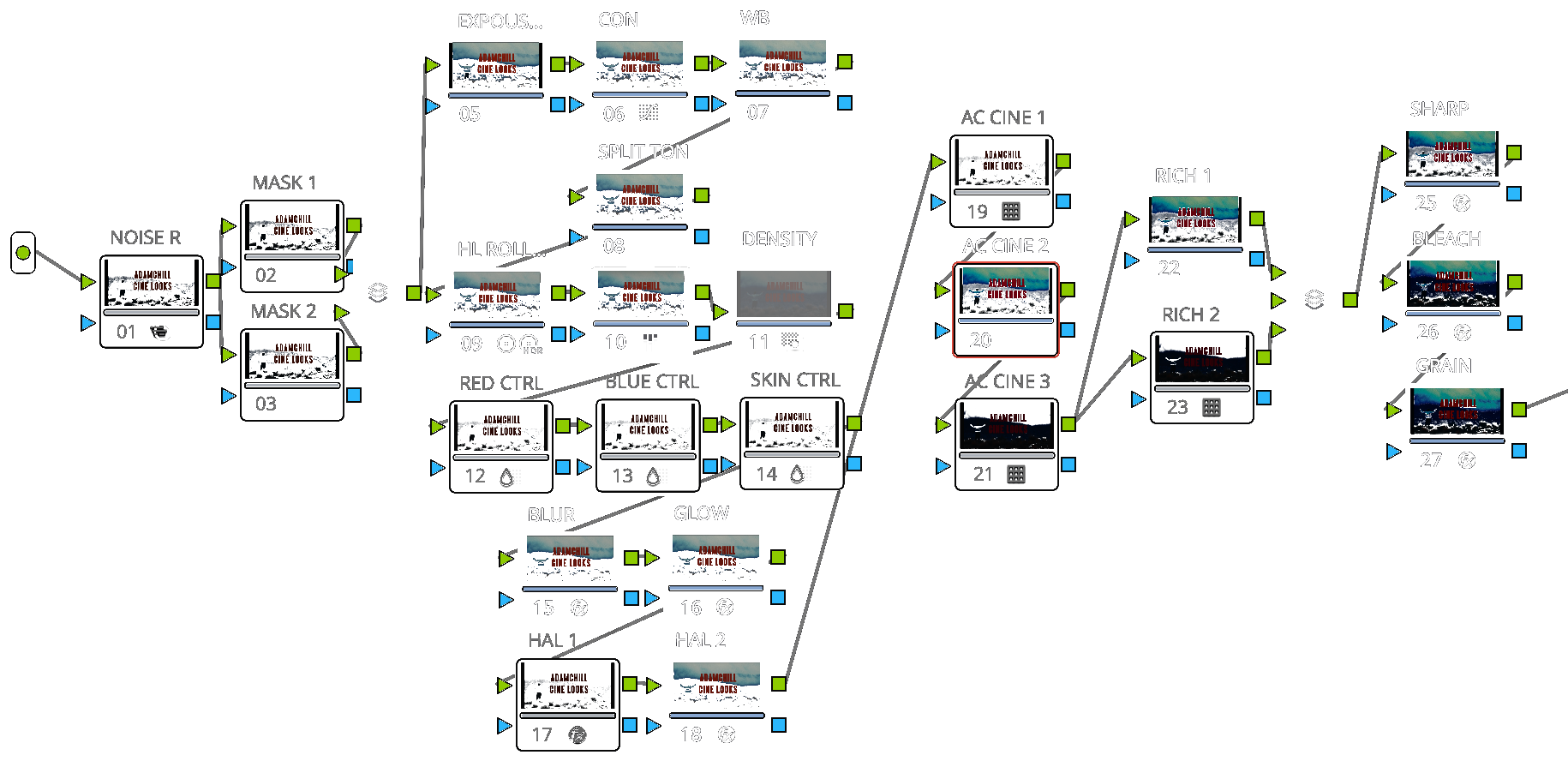
Advanced AC CINE POWERGRADE and LUTs node tree visualization
…

AC CINE POWERGRADE + LUTs

For full control and even better results.

  • 1 signature PowerGrade + 3 signature LUTs
  • 2 additional Richness Booster LUTs
  • Fully editable nodes and greater control in DaVinci Resolve Studio
  • Two halation options, glow and film grain
  • A 30-minute walkthrough breaking down my entire film color grading process
Buy PowerGrade + LUTs
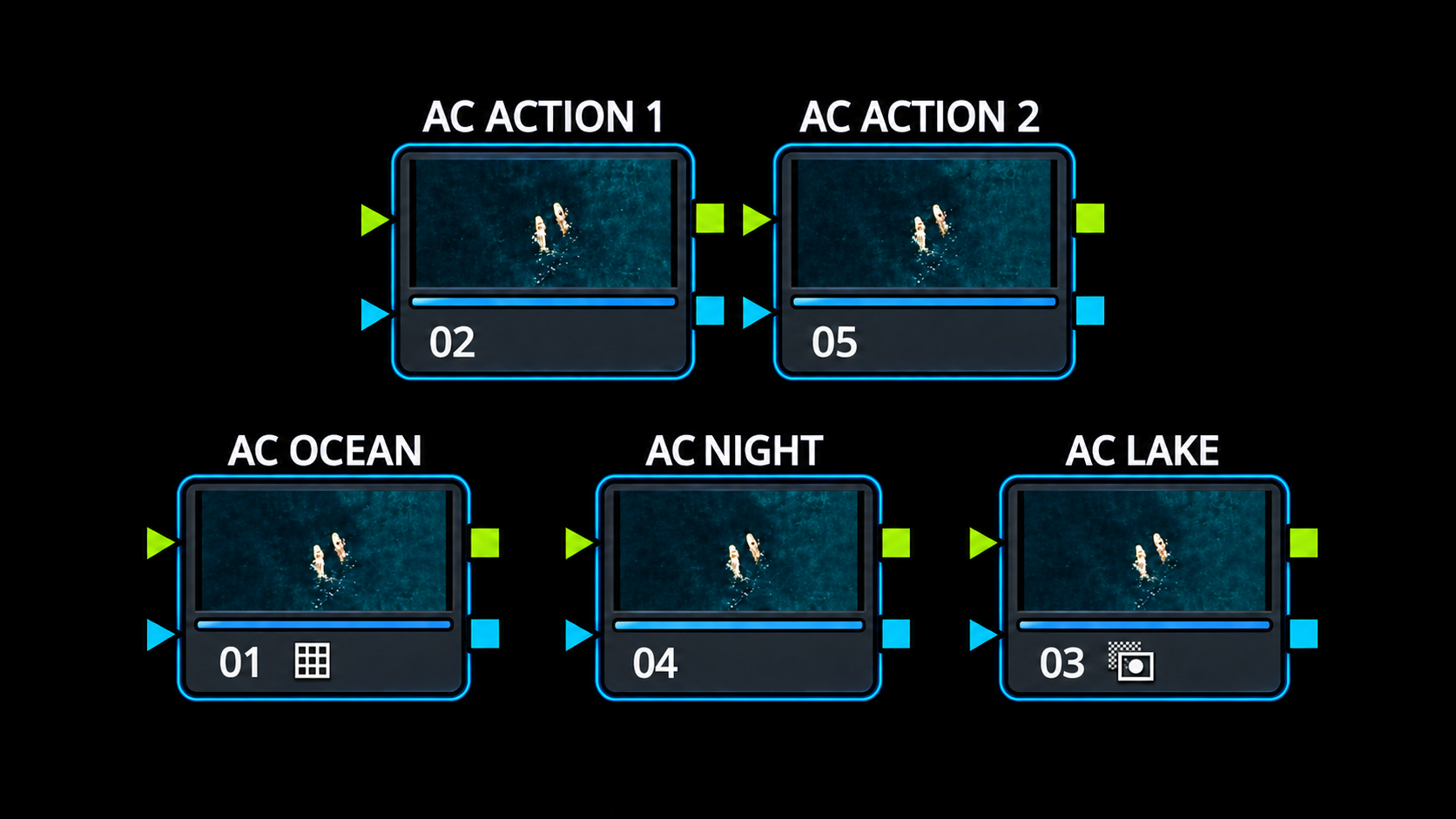
AC ACTION & DRONE LUTs visualization
…

AC ACTION & DRONE LUTs

Footage from action cameras and drones has never looked better.

  • 5 signature LUTs, including 2 for underwater footage and 1 for dark scenes
  • Fast and simple workflow
  • 20-minute installation and workflow tutorial
  • The LUTs work in all major editing apps, including both the free and Studio versions of DaVinci Resolve, Premiere Pro, Final Cut Pro and more
Buy LUTs

WHAT PEOPLE SAY

USER REVIEWS

“Great work! This is probably the first PowerGrade I’ve bought that I’m genuinely happy with. The image looks great straight away, with only a slight exposure adjustment if needed. It’s fantastic to work with.”
“Absolutely. I’m amazed that they can pull colors like this even from Rec.709 footage.”
“Thanks for the PowerGrade! It’s brilliant — beautifully soft highlights and gorgeous colors. Congrats on the work!”
“A new era is beginning for video creators. History will now be divided into the time before Adam Chill’s LUTs and the time after.”
“Bought them, even though I mostly shoot photos. Maybe this will motivate me to film more — and if not, it’s still my way of supporting you, because you’re one of the best creators in the country and your work is beautiful.”
“Thank you! These LUTs are exactly what I needed. My Mavic finally has the colors it should have. Before, it was always too dark, too red or too yellow. These looks are perfect. Great work — I’m a huge fan and you’re a real inspiration. Keep creating.”

Reviews translated from Polish.

1 / 6

Profiles

Built for the most important camera systems.

AC CINE

Sony S-Log3Canon C-Log3Nikon N-LogFuji F-Log2ARRI LogC3 / C4Blackmagic Film Gen 5DJI D-LOGPanasonic V-LogRED Log3G10Apple LogRec.709

AC ACTION

GoPro GP-LOGGoPro GP-LOG2DJI D-LOG MDJI D-LOGDJI D-LOG2Insta360 I-LOG

FAQ

Everything you need to know before buying.

Which apps support the LUTs and PowerGrade?

The LUTs work in any major editing app that supports .cube files, including DaVinci Resolve, Premiere Pro and Final Cut Pro.

The PowerGrade works exclusively in DaVinci Resolve Studio, the paid version of DaVinci Resolve.

Which color profiles are supported?

AC CINE:

  • Sony S-Log3
  • Canon C-Log3
  • Nikon N-Log
  • Fuji F-Log2
  • ARRI LogC3 / C4
  • Blackmagic Film Gen 5
  • DJI D-LOG
  • Panasonic V-Log
  • RED Log3G10
  • Apple Log
  • Rec.709

AC ACTION:

  • GoPro GP-LOG
  • GoPro GP-LOG2
  • DJI D-LOG M
  • DJI D-LOG
  • DJI D-LOG2
  • Insta360 I-LOG
Which Color Management settings should I use in DaVinci Resolve?

I personally use:

  • Color Science: DaVinci YRGB
  • Timeline / Output: Rec709-A

You can also use Rec.709 Gamma 2.4 for Timeline / Output.

Do I need any additional plugins?

Not at all. Everything works immediately after unpacking the files — no additional plugins are required.

What will I receive after purchase?

The product pages include full package details. In short:

AC CINE LOOKS - LUTs:

  • 3 signature LUTs
  • 1 installation and workflow tutorial for DaVinci Resolve and Premiere Pro — 20 min

AC CINE LOOKS - LUTs + PowerGrade:

  • 3 signature LUTs
  • 1 signature PowerGrade
  • 2 Richness Booster LUTs inside the PowerGrade
  • 1 in-depth video breaking down my entire film color grading process — 35 min